Kick level badges, and every other Kick badge
Level badges are the numbered ones beside a username, and they change colour and design as someone watches more. Kick shows an icon for almost every kind of status a viewer can have: how long they have watched, whether they were an early subscriber, whether they moderate, and more. This is every one of them, what it means, and how you get it. Artwork is Kick's own.
Every badge we've spotted in Kick chat
Combined Chat records every distinct badge it sees pass through real Kick chats, level tiers, collectables, roles, the lot, with Kick's own artwork. This gallery grows over time as more turn up. Level badges are the numbered ones, and their colour and design change as the number climbs; the rest are role and collectable badges.
Role & collectable badges
 DEDsafioNutria
 Flyby
Flyby Ghost
Ghost GOAT
GOAT GoldenK
 Kick Founder22
 Kick Whale
 Kicks Gifter
 Pioneer
 Rs Ags Blade
 Unikorn
 WorldofWarcraftForeverBeta
Level badges
These appear as we see them in real Kick chats, so the numbers have gaps, a level only shows once someone wearing it has chatted.
 Level 1
 Level 2
 Level 3
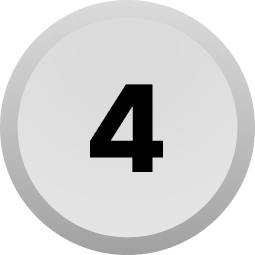 Level 4
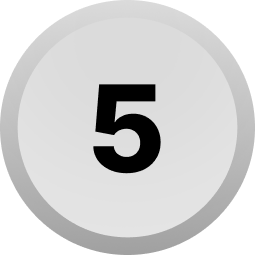 Level 5
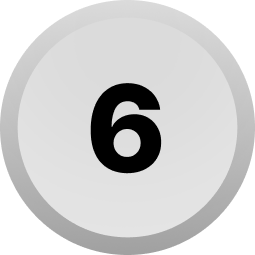 Level 6
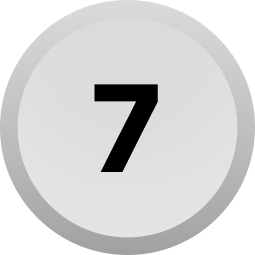 Level 7
 Level 8
 Level 9
 Level 10
 Level 11
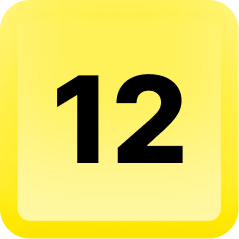 Level 12
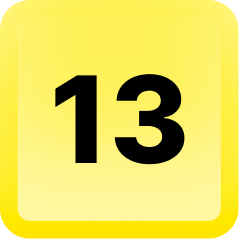 Level 13
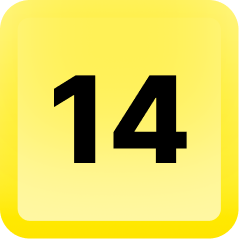 Level 14
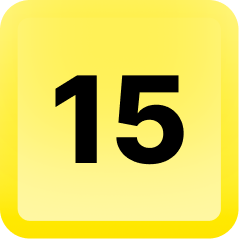 Level 15
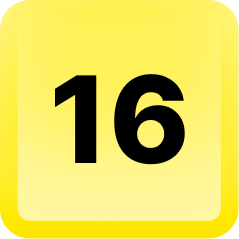 Level 16
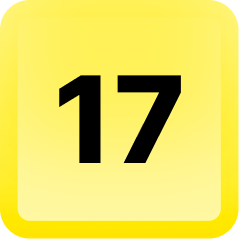 Level 17
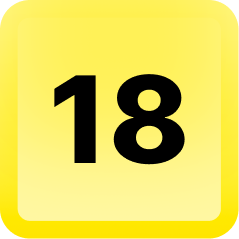 Level 18
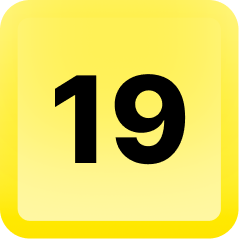 Level 19
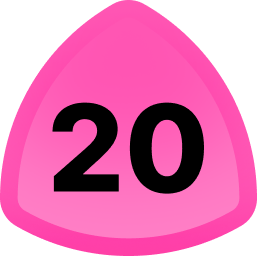 Level 20
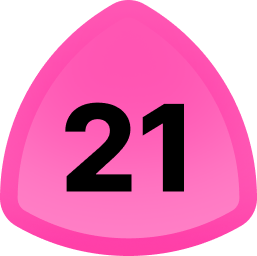 Level 21
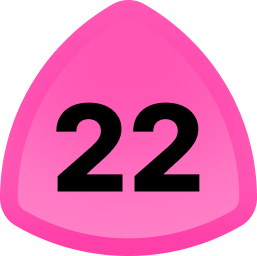 Level 22
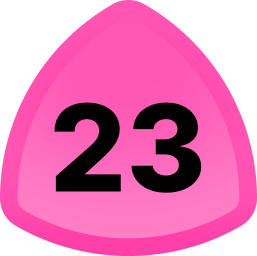 Level 23
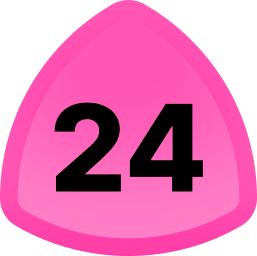 Level 24
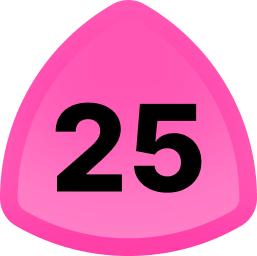 Level 25
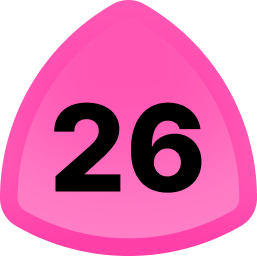 Level 26
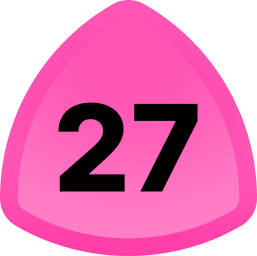 Level 27
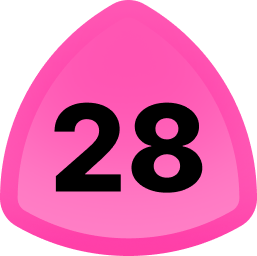 Level 28
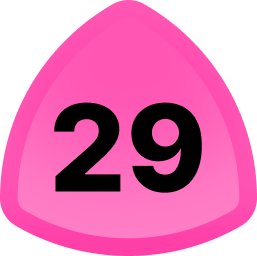 Level 29
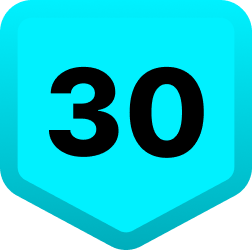 Level 30
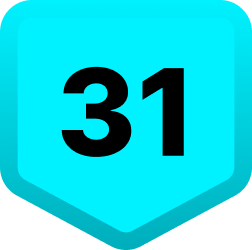 Level 31
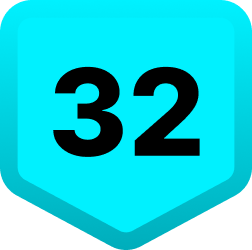 Level 32
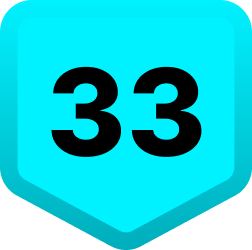 Level 33
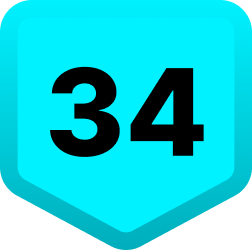 Level 34
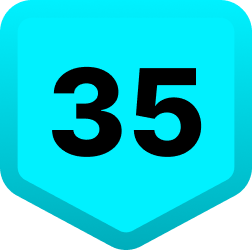 Level 35
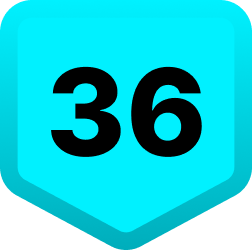 Level 36
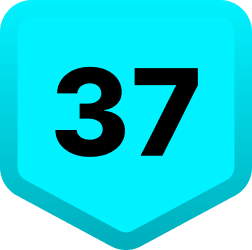 Level 37
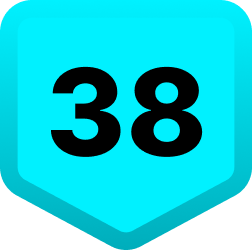 Level 38
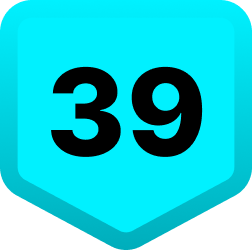 Level 39
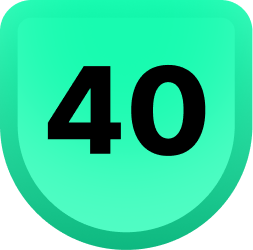 Level 40
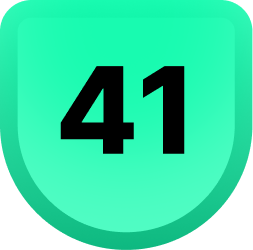 Level 41
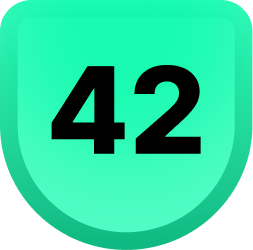 Level 42
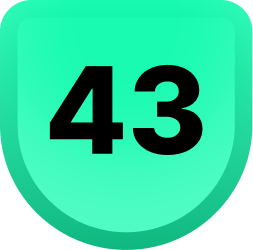 Level 43
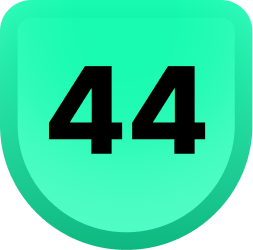 Level 44
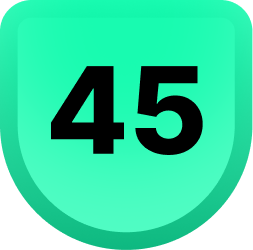 Level 45
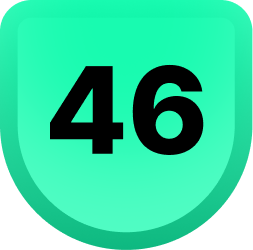 Level 46
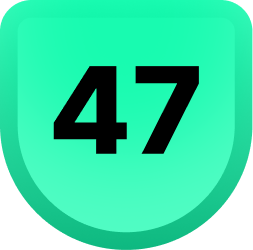 Level 47
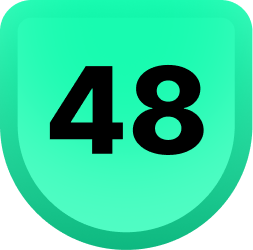 Level 48
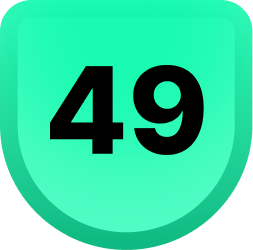 Level 49
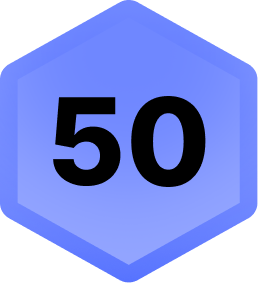 Level 50
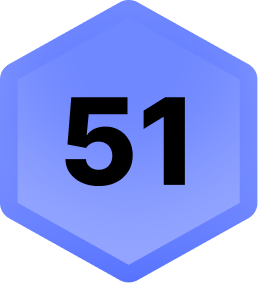 Level 51
 Level 52
 Level 53
 Level 54
 Level 55
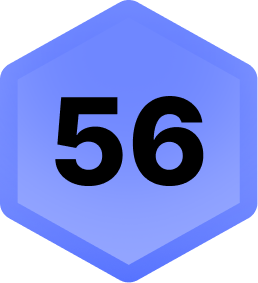 Level 56
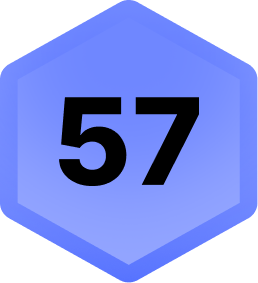 Level 57
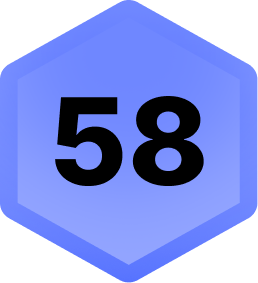 Level 58
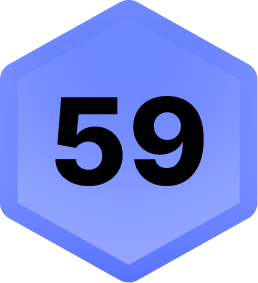 Level 59
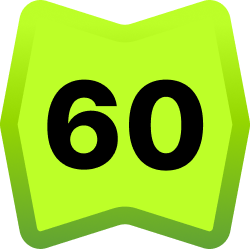 Level 60
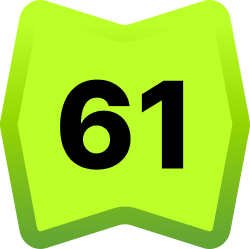 Level 61
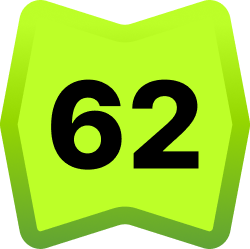 Level 62
 Level 63
 Level 64
 Level 65
 Level 66
 Level 67
 Level 68
 Level 69
 Level 70
Below: what each badge means and how to earn it.
The numbered badge next to a username is a level badge. It is one of the most-searched Kick badges and one of the most misunderstood, because a lot of people have one and cannot see it. The design isn't fixed: the badge changes colour and shape as your level climbs, so a low level and a high level look quite different. The gallery above shows the ones we've actually seen.
How much watch time is a Kick level?
Kick has never published a table of hours per level, so most answers to this question are guesses. Rather than guess, we measured it. What follows is what Kick's own level counter reports for a real account, sampled every five minutes while a stream was playing, plus how you can check your own.
The short version
- Watching earns about 120 XP per hour, credited in small steps of 4 XP roughly every two minutes, not once an hour. Over 24 minutes of measurement the account gained 48 XP (119 an hour). A reader who measured independently came to about 116 an hour.
- A single level in the mid-thirties needs about 4,800 XP. Level 36 measured at 4,821 XP. At 120 XP an hour that is roughly 40 hours of watching for one level.
- Watch time counts across every channel, only while logged in, and only since the level system launched in mid-2026. Levels never go down.
How the counter works
When you are logged in and click your avatar in the top right, Kick fetches your level from its own servers. That response holds four numbers:
- level: the number on your badge.
- progress_xp: XP earned so far within the current level.
- xp_to_next_level: XP still needed. It falls as progress rises, so the size of a level is these two added together.
- total_xp: everything you have earned since launch.
To see yours: open Kick logged in, press F12 to open the browser's developer
tools, choose the Network tab, then click your avatar. Look for a request ending
in gamification/user/level and open its Response. Sample it a few
times over half an hour with a stream playing and you can compute your own rate
the same way we did.
What is not settled yet
Whether higher levels need more XP than lower ones. So far only level 36 has been measured properly, at 4,821 XP, and one level is not enough to know how the requirement changes as you climb. Most levelling systems get steeper, but we would rather show that than assume it. If you measure your own level, tell us which level it was and what it needed, and we will add it here.
What we see in real chats
- The badge colour changes as you climb. From what we have collected, low levels are grey, then yellow in the teens, pink in the twenties, blue in the thirties and forties, and green at the higher tiers. So the colour is a rough shorthand for how high someone's level is. Kick can change these, so treat it as what we see, not a rule.
- High levels are rare. Most level badges we see are low. Levels past the fifties are uncommon, which fits a system that started in mid-2026 and needs tens of hours per level.
The level system is separate from Kick's Daily Rewards, which unlock after one hour of watching in a single day. Daily Rewards give collectables; they are not your level.
This Kick level tracking was added in September 2026 with the help of zulud3f3, who first measured the rate and pointed us at the counter.
Why yours isn't showing. The level badge is off by default. In any chat, click the gear icon at the bottom right next to the Chat button, choose Identity, and under Global badges select your level badge. It then shows next to your name in every channel.
Founder badge

What it means. You were one of the first 100 people to subscribe to a channel after it became monetised. It is a permanent mark of being there early.
How you get it. Be among the first 100 successful subscriptions on a channel. The streamer does not choose these; Kick tracks the first 100 subscriptions automatically. Once the 100 slots are taken, nobody else can earn that channel's Founder badge. It stays with you even if your subscription lapses and you resubscribe later.
Since you may need to equip it: open the channel's chat, click the chat identity icon by the message box, and select the Founder badge.
KICK Founder badge (platform-wide)

Not to be confused with a channel's Founder badge above. The KICK Founder badge is a platform-wide global badge tied to early support of Kick itself, and it carries a number. It appears in every chat, not just one channel. Kick has changed the naming and artwork of this badge more than once, so its exact label can vary.
OG badge

What it means. The streamer marked you as an original member of their community.
How you get it. Only the streamer can award it, from their Creator Dashboard under Channel → Roles → OGs. You must already be following the channel. A channel can have up to 50 OGs. There is no automatic way to earn it; it is a gift from the streamer.
VIP badge

What it means. The streamer considers you a very important member of the community.
How you get it. Same as OG: awarded manually by the streamer via Channel → Roles → VIPs. You must be following. A channel can have up to 100 VIPs. No automatic criteria.
Subscriber badges

What it means. You are subscribed to the channel, and the badge tier shows how long you have been continuously subscribed.
How you get it. Subscribe to the channel. The badge upgrades automatically at loyalty milestones (1 month, 3 months, 6 months, and so on). Streamers in the Affiliate or Partner program can upload their own custom artwork for each tier, so subscriber badges look different on every channel. On a channel without custom art, the default subscriber icon shows.
Sub Gifter badges

What it means. You have gifted subscriptions to other viewers in that channel.
How you get it. Gift subs. The badge appears after your first gift and steps up at 25, 50 and 100 gifted subs, with distinct artwork for each tier. The number of gifts you have given is tracked per channel.
Moderator badge

What it means. You moderate that channel's chat: you can time out, ban and manage messages.
How you get it. The streamer assigns it from Channel → Roles → Moderators. Not earnable on your own.
Broadcaster badge

Shown next to the streamer's own name in their own chat. You get it by being the channel owner; nobody else can have it there.
Verified badge

What it means. Kick has verified the channel's identity, the same mark that appears on a verified streamer's profile.
How you get it. Apply through Kick. Verification is granted by Kick, not earned by watching or subscribing, and the criteria are Kick's own.
Staff badge

The person works at Kick. Not earnable.
Sidekick badge

A platform-level role badge for people who help Kick's community team. Granted by Kick, not earnable through normal viewing.
Bot badge

Marks an account as a chat bot (BotRix and similar). Set on the bot account itself; not something a viewer earns.
Collectable badges
Alongside the badges above, Kick adds limited collectable global badges from time to time, tied to events, promotions or partners (names like "GoldenK" have appeared). These are global, so they show in every chat, and each is obtained the way its event describes. They live in the same Identity menu as the level badge, under Global badges, and like the level badge they may need to be switched on before they show.
Where badges appear
Channel-specific badges (Founder, OG, VIP, Moderator, Subscriber, Sub Gifter, Broadcaster) show only in the channel that granted them. Global badges (Level, KICK Founder, Verified, Staff, Sidekick, collectables) follow you into every chat. If you have a global badge and it is not showing anywhere, the Identity menu is almost always the reason.
Seeing every badge, in every chat
Combined Chat renders all of these with Kick's real artwork, including level badges and collectables that many chat tools drop, and shows Kick chat next to Twitch, YouTube and Rumble in one window. Open the app and enter a Kick channel to see it, or read the Kick chat page.
Common questions
Why isn't my Kick level badge showing?
It is off by default. In any chat, click the gear icon next to the Chat button, choose Identity, and under Global badges turn on your level badge. It then shows in every channel.
How do I level up on Kick?
Watch live streams while logged in. Any stream counts, no chatting needed, and progress builds passively. Levels only go up. Watch time before the system launched does not count.
How do you get the Founder badge on Kick?
Be one of the first 100 subscribers to a channel after it is monetised. Kick assigns it automatically to those 100 and it is permanent, even if you unsubscribe and resubscribe later.
What is the difference between the Founder badge and the KICK Founder badge?
The Founder badge is per channel, for the first 100 subscribers of that channel. The KICK Founder badge is a global, platform-wide badge tied to early support of Kick itself, and it shows in every chat.
How do I get OG or VIP on Kick?
Only the streamer can award them, from Channel → Roles in their Creator Dashboard. You must be following the channel first. A channel can have up to 50 OGs and up to 100 VIPs.
What are the sub gifter badge tiers on Kick?
The badge appears after your first gifted sub and steps up at 25, 50 and 100 gifts, each with its own artwork. Gifts are counted per channel.